
What you need
You are three things away from an easy win:
- A brand new, level 1 bot. The bot's Epic account must be newly created so it has no match history. Use a new account as your bot, not your main.
- Exactly one bot in the party. Two or more bots break the bot lobby.
- A supported mode with No Fill. See the mode list below.
If you have not built a bot yet, follow Creating your first FNLB lobby bot.
Invite the bot
Friend the bot in Fortnite, accept it, then invite it to your party. Wait until it has fully loaded in before you do anything else.
Warning: Keep only one bot in the party. The bot warns you in chat if it detects extra bots, and matchmaking may fail.
Check the game mode
Set the game mode to a supported playlist and turn fill off:
- Battle Royale - Duos, Trios or Squads
- Zero Build - Duos, Trios or Squads
Set matchmaking to No Fill so random players cannot join. If the bot owns the party it turns fill off automatically, and it warns you if fill is on.
Warning: Fortnite OG, Ranked, competitive, LTMs and creative maps are not supported and will not give you a bot lobby.
Hit Ready
Ready up - the bot readies with you. When the match starts, every other player is an easy AI bot.
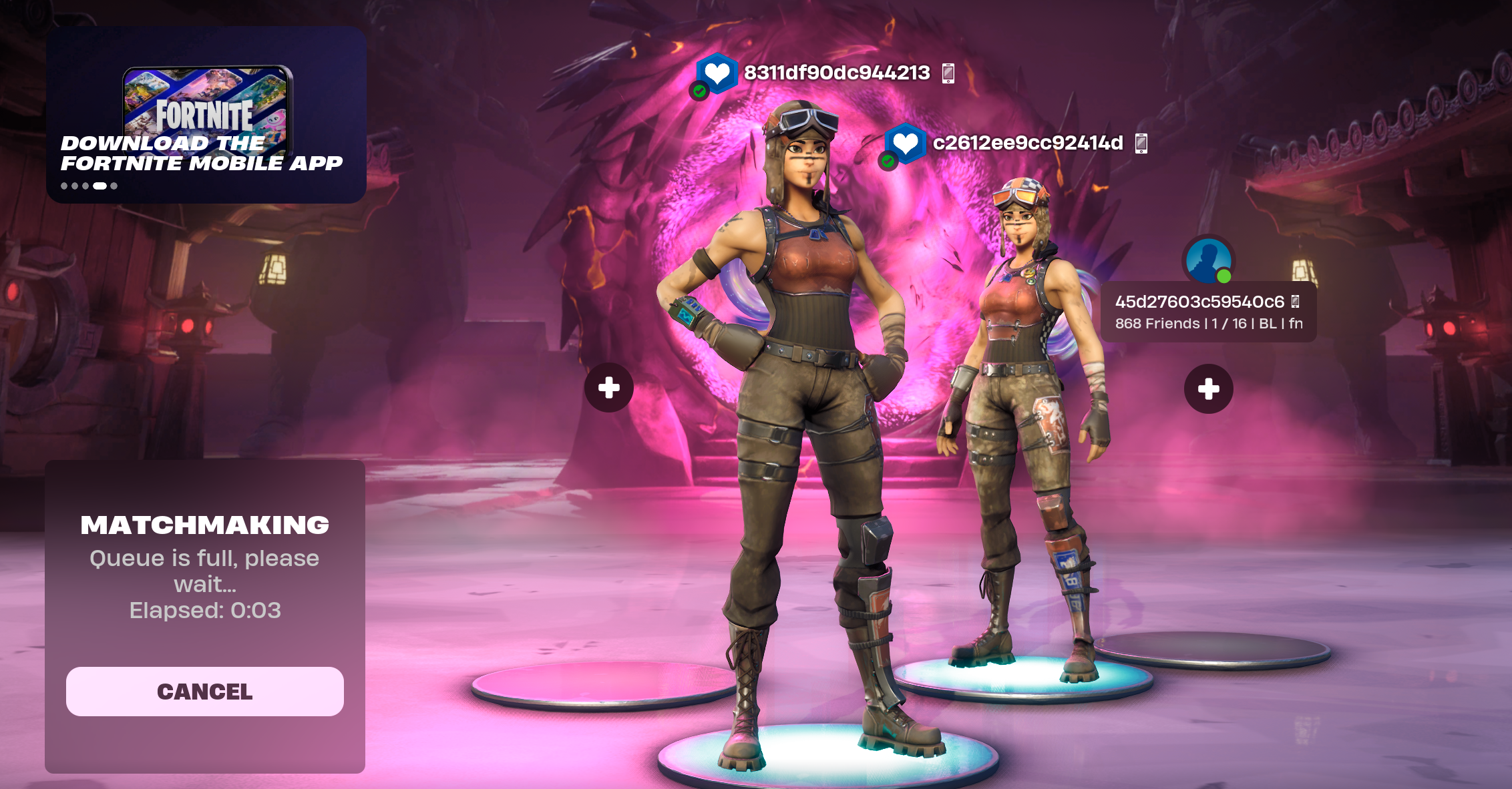
Enjoy your easy wins
Win matches, earn XP and finish challenges with ease. Back out and ready up again for the next one.
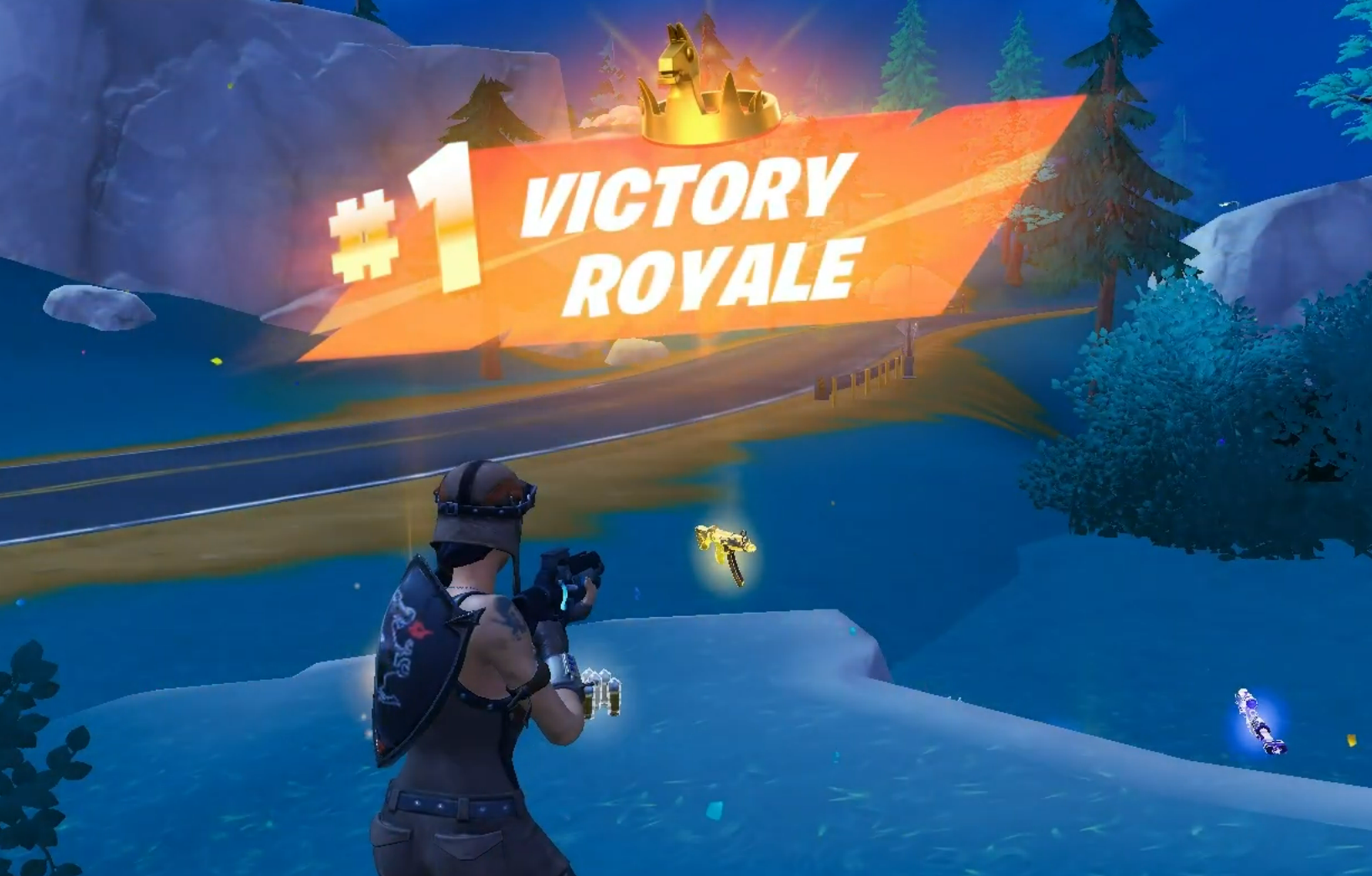
Note: There is a short cooldown between bot-lobby matches. Category owners can turn it off from the bot settings.
If you get a normal match instead
Back out and check:
- Is the party set to Duos, Trios or Squads with No Fill?
- Are you in a supported mode (not OG, Ranked, LTMs or creative)?
- Is the bot brand new and level 1?
- Is there only one bot in the party?
Still not working? Read My lobby is not full of bots or ask in the FNLB Discord.